Last updated: October 2026 · Written by the Varesteam4K team · what 4K IPTV means and how to verify it
The short answer
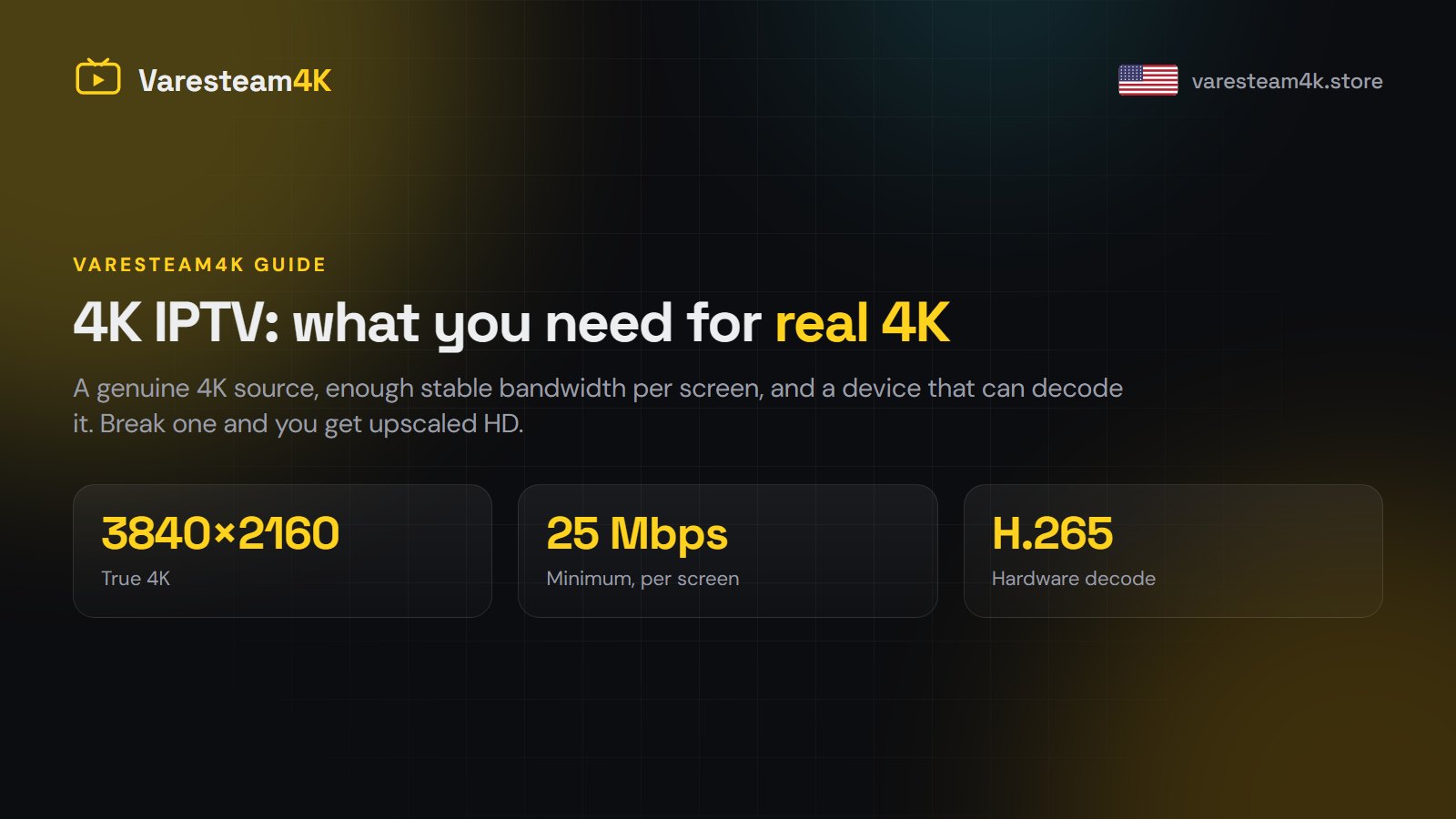
Real 4K IPTV needs three things at once: a source genuinely broadcast in 4K, about 25 Mbps of stable bandwidth per screen, and a device and TV that can both decode and display it. Break any one of those and you get an upscaled HD picture with a 4K label on it. Most channels on any IPTV service are Full HD, and that is normal — the 4K ones are mainly sports, nature and film feeds.
What 4K actually means here
4K (also called UHD) is 3840 × 2160 pixels — four times the pixel count of Full HD. On a 55-inch or larger screen, at normal viewing distance, the difference is easy to see on a good source and almost invisible on a poor one. That last part matters more than the number: a 4K stream squeezed through too little bandwidth can look worse than a well-encoded 1080p stream, because the encoder has to throw away detail to fit.
This is why “80,000 channels in 4K” is never a truthful claim from anyone. What is true of Varesteam4K, and of any honest service, is that the lineup carries SD, HD, Full HD and 4K sources, and the 4K ones are the channels the broadcaster actually produces in 4K.
The speed you need, per screen
| Quality | Minimum | Comfortable | Typical bitrate |
|---|---|---|---|
| HD (720p) | 10 Mbps | 15 Mbps | 3–5 Mbps |
| Full HD (1080p) | 15 Mbps | 25 Mbps | 6–8 Mbps |
| 4K (H.265) | 25 Mbps | 35 Mbps+ | 15–25 Mbps |
Read that table per screen, not per household. Two 4K streams in two rooms want 50 Mbps or more of headroom, and that is before anyone opens a laptop. A 4K stream is also far less forgiving of a wobbly connection than an HD one: the same dropout that makes HD blink will freeze 4K for several seconds.
Stability beats raw speed. A rock-steady 40 Mbps connection shows 4K better than a 300 Mbps connection that dips every few minutes.
Get the connection right first
- Ethernet wherever you can. A $10 cable fixes more 4K problems than any setting in any app. On a Fire TV Stick, an Ethernet adapter is the single best upgrade you can make.
- 5 GHz Wi-Fi, not 2.4 GHz. The 2.4 GHz band is crowded and slow; it is fine for HD and marginal for 4K.
- Router placement. Two walls and a floor between the router and the TV will cost you more bandwidth than you expect.
- Test at the time you watch. Run a speed test at 8pm on a weeknight, not at 11am on a Tuesday. Evening is when your own ISP is busiest.
Devices that can really do 4K
| Device | 4K capable | Notes |
|---|---|---|
| Fire TV Stick 4K / 4K Max | Yes | The cheapest reliable 4K route; add an Ethernet adapter |
| Fire TV Stick (HD / Lite) | No | Caps at 1080p regardless of the stream |
| NVIDIA Shield TV / Pro | Yes | The strongest option; excellent H.265 decoding |
| Apple TV 4K | Yes | Very smooth, fewer player app choices |
| Samsung / LG Smart TV (2019+) | Usually | Built-in apps vary; a stick is often smoother |
| Android TV box, cheap | Often not really | Many claim 4K and decode it badly — check for H.265 support |
| MAG box | Model dependent | Older models are HD only |
Two traps catch people out. First, an older Fire TV Stick is not a 4K device no matter what the stream is. Second, a cheap no-name Android box may advertise 4K but lack proper hardware H.265 decoding, which means it tries to decode in software, overheats and stutters. Our player app guide covers which app suits which device.
And the TV itself
Your TV has to be a 4K panel, connected over an HDMI cable rated for the job (HDMI 2.0 or better), on an HDMI port that supports 4K — on some TVs only one or two ports do, and it is not always labelled clearly. If the picture is 4K up to the TV and the port throttles it, you see HD and nothing tells you why.
How to check you are really getting 4K
- Look at the channel name. Lineups label 4K feeds explicitly —
US: NFL RedZone 4Krather thanUS: NFL RedZone FHD. If the name says FHD, it is 1080p. - Check the player’s info panel. TiviMate and IPTV Smarters Pro both show the stream resolution and bitrate. 3840×2160 is 4K; 1920×1080 is not.
- Check your TV’s info button. Most TVs display the incoming signal resolution.
- Watch detail in motion. A crowd shot in a stadium is the honest test. Real 4K keeps individual faces; upscaled HD turns them to mush.
Do this during a free trial, on your own TV and your own connection, before you pay anyone. It takes five minutes and it answers the question properly.
What Varesteam4K carries in 4K
Every Varesteam4K plan, from the $15 month to the $200 lifetime, includes the same lineup — the price changes the length, never the content. Within the 80,000+ live channels, the 4K sources are grouped together so you can find them without scrolling: major sports events, premium film feeds, nature and documentary channels. The 240,000+ on-demand films and series include a large 4K section. The rest of the lineup is Full HD and HD, which is what the broadcasters themselves produce.
If a particular 4K channel is what you are buying for, ask us on WhatsApp before you order and we will tell you honestly whether it is on the list.
If 4K buffers and HD does not
That is almost always bandwidth, not the service. Work through it in this order: switch to Ethernet, test your speed in the evening, drop the player’s buffer setting, close other devices, then try the same channel in Full HD. If Full HD is perfectly stable and 4K is not, you have your answer. The full checklist is in IPTV not working? fixes for buffering.
Other 4K IPTV providers
For a 4K TV, these providers are worth putting through the same picture test:
- Tivo8K — built around 4K and high-bitrate streams for large TVs.
- Nartiel8K — offers 4K channels with a setup guide for each device.
- TrendyScreen — streams its US line-up in HD and 4K, with setup help for big-screen TVs.
Next steps
Check your evening speed, confirm your device is genuinely 4K capable, then request a trial and test the channels you actually care about. If it holds up, the plans start at $15.