Last updated: October 2026 · Written by the Varesteam4K team · what premium should mean, and how to verify it
The short answer
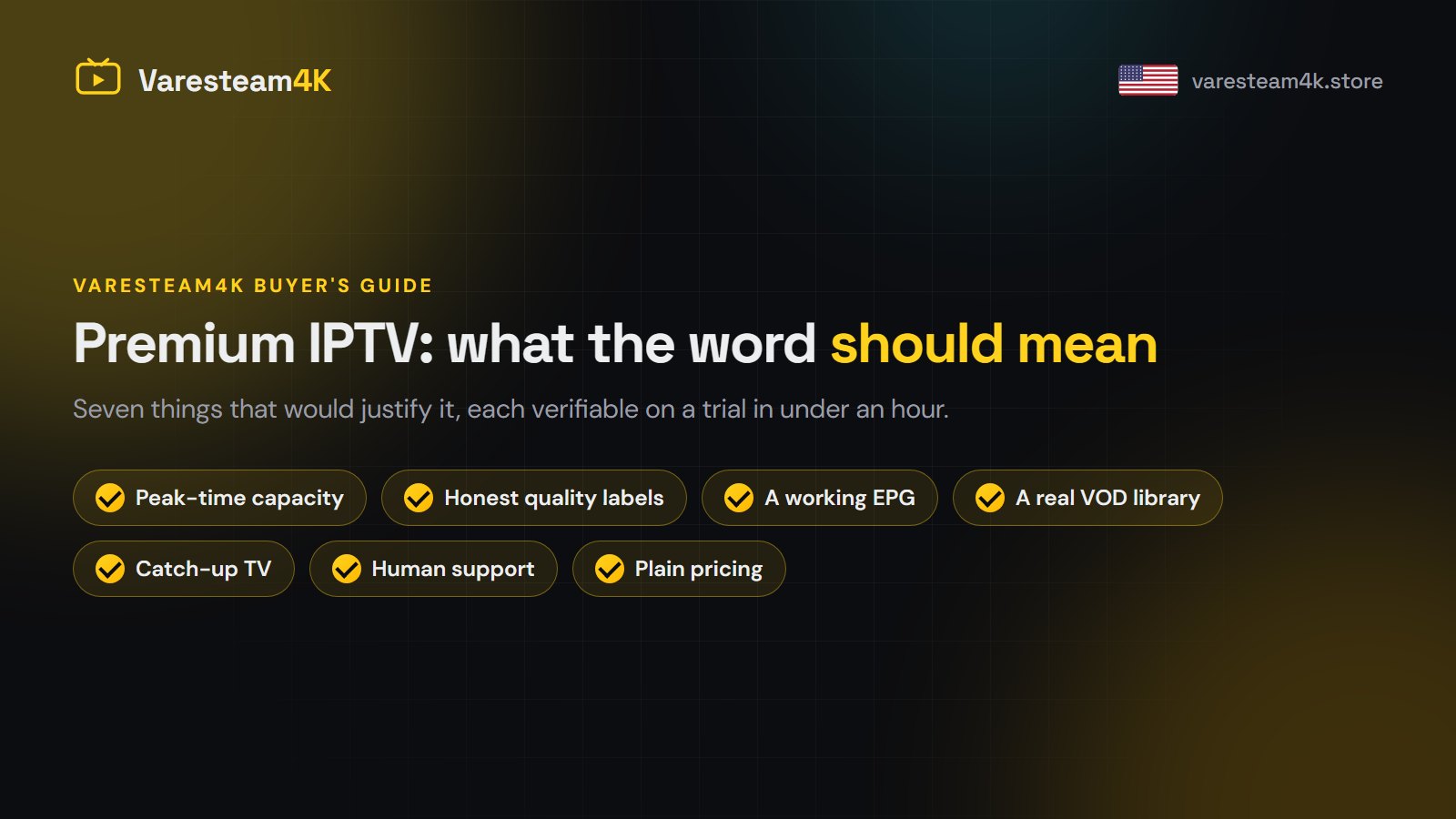
“Premium” is not a tier, a price or a badge — it is whether the service holds up at the moment you most want it. Seven things justify the word: capacity at peak, honest quality labelling, a working EPG, a real on-demand library, catch-up, support from people, and plain pricing. Every one of them can be checked on a trial in under an hour.
The problem with the word
Every provider uses it, which means it carries no information. There is no certification, no standard and nothing stopping anyone from printing it. So the only useful approach is to ignore the label and ask what a service does differently — then check.
The seven things that would justify it
1. Capacity when everyone shows up at once
This is the whole game. Any service is stable at 11am on a Tuesday. A premium one is stable at 1pm on an NFL Sunday, when every viewer loads the same channel in the same minute. Capacity costs real money, which is why it is the first thing a cheap service lacks and the last thing it mentions.
How to check: test during a live game, not a replay. Leave one channel running for fifteen unbroken minutes. This single test tells you more than everything else on this page.
2. Honest quality labelling
A serious lineup labels each feed SD, HD, FHD or 4K accurately, and the label matches what arrives. A service that calls everything 4K is telling you how it treats the rest of its claims.
How to check: open a channel marked 4K and read the resolution in your player’s info panel. 3840×2160 or it is not. The 4K guide covers this properly.
3. A TV guide that actually works
A complete 7-day EPG, correctly mapped to the right channels, in your own time zone. This sounds minor until you live with a service that does not have one — then it is a daily irritation that never goes away.
How to check: open the guide, scroll forward three days, and check five channels you know the schedule of.
4. An on-demand library worth opening
Not a folder of twelve films from 2014. A premium library has current titles, complete series with every season, correct metadata and a search that works. Varesteam4K carries 240,000+ films and episodes, searchable by title.
How to check: search three specific titles you want, including something released this year. Then open one and skip ten minutes in to see how fast it resumes.
5. Catch-up TV
The ability to go back and watch what aired yesterday on supported channels. Genuinely useful, genuinely harder to run, and a good sign about the rest of the infrastructure.
How to check: pick a channel, go back a day in the guide, and play something.
6. Support staffed by people
Not a ticket form that answers in two days, and not a bot. A person who replies in minutes and answers the actual question. We run on WhatsApp, 24/7.
How to check: before you buy, ask a specific question — whether a particular regional sports network is on the lineup. Time the reply and read how specific it is.
7. Pricing that does not play games
One payment, no auto-renew, every channel on every plan, and a written refund policy you can read before paying. The only thing a longer plan should buy is more time.
How to check: read the pricing page and the refund policy before you order. If either is missing, you have your answer.
What premium should cost in the USA
| Price range | What it usually means |
|---|---|
| Under $3 / month | Capacity is not there. Expect peak-time failures |
| $5–$15 / month | The realistic range for a service with real servers |
| Over $25 / month | You are paying for marketing, not infrastructure |
For reference: Varesteam4K is $15 for one month, $35 for three, $50 for six, $80 for a year and $200 for lifetime — the 12-month plan works out under $7 a month, and every plan opens the identical lineup. Cable for the same content runs $70–$130 a month before the sports tier.
What does not make a service premium
- A bigger channel number. The same channel in three qualities is three channels in the marketing and one channel on your TV.
- A “VIP” or “platinum” tier. If the content is the same and only the price changes, the tier is a pricing exercise.
- A slick website. A landing page costs an afternoon. Servers cost monthly.
- Reviews that all arrived the same week in the same voice.
- “Unlimited connections.” Capacity is finite. This promise is either false or about to become false.
The one-hour verification
- Ask for a trial and specify that you want it during a live game (10 minutes to arrange).
- Set it up on your actual TV, not your phone (10 minutes).
- Run one sports channel for fifteen unbroken minutes (15 minutes).
- Check the guide three days ahead on five channels (5 minutes).
- Search three film titles and open one (5 minutes).
- Play something from yesterday via catch-up (5 minutes).
- Message support with a real question and time the answer (runs alongside).
- Read the refund policy and the pricing page (10 minutes).
An hour of this is worth more than a month of comparing marketing copy.
Next steps
Run the hour against any service you are considering, this one included. Ask us for a trial and tell us what you want to test — we will set it up around a real fixture rather than a quiet afternoon. If you want the full buyer’s checklist first, read how to pick the best IPTV service.