Last updated: October 2026 · Written by the Varesteam4K team · a cord-cutting plan for US households
The short answer
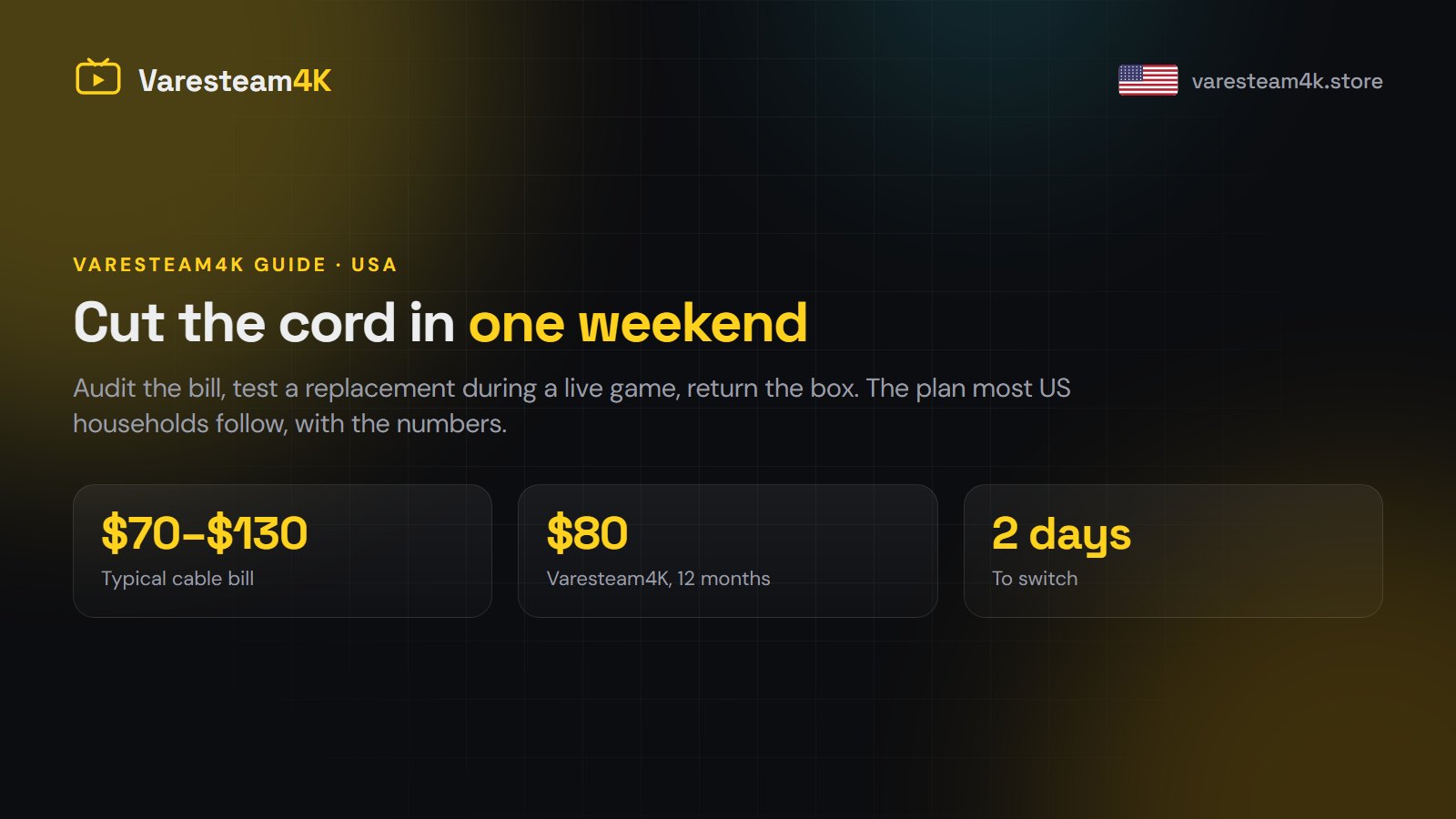
Cutting the cord comes down to four moves: find out what you really pay for cable, make sure your internet can carry the replacement, test that replacement during a live game, and only then cancel. Most US households can do it in a weekend. With a 25 Mbps connection, a Fire TV Stick and an IPTV plan like Varesteam4K at $80 for twelve months, the yearly saving is usually somewhere between $700 and $1,400.
Cord cutting has a reputation for being complicated. It is not. What makes people give up halfway is doing the steps in the wrong order — cancelling first and testing later, or buying a new TV before checking the internet line. This guide puts the steps in the order that avoids every one of those mistakes.
Step 1: Read your cable bill line by line
The advertised price of a cable package is almost never the price you pay. Before you compare anything, open your last statement and add up every line, not just the one with the package name on it. In a typical US bill you will find:
| Line on the bill | Typical monthly cost | Goes away when you cut the cord? |
|---|---|---|
| Base TV package | $50–$90 | Yes |
| Sports tier / regional sports fee | $10–$15 | Yes |
| Broadcast TV fee | $20–$30 | Yes |
| Box rental (per TV) | $10–$15 | Yes |
| DVR service | $10–$20 | Yes |
| Internet | $50–$80 | No — you keep this |
Write down the total of the lines that go away. That number is your budget and your saving. For most households it lands between $90 and $150 a month once the fees nobody reads are included.
Also check the contract end date. If you are inside a 12 or 24-month term, an early termination fee may apply. Sometimes it is worth paying; often it is cheaper to wait a month or two. Either way, know the number before you call.
Step 2: Check your internet can carry it
Once TV arrives over the internet, the internet line becomes the thing that decides your picture quality. Run a speed test on the device you will actually watch on, at the time you usually watch — a test at 10 am tells you little about 8 pm on a Sunday.
| What you want to watch | Download speed per screen |
|---|---|
| HD | 10–15 Mbps |
| Full HD 1080p | 15–25 Mbps |
| 4K | 25–35 Mbps |
Multiply by the number of screens that run at the same time. A family of four with two TVs on at once and phones on Wi-Fi wants 100 Mbps or more for comfort. If your plan is below that, upgrade the internet with part of what you save on cable — it is still far cheaper overall.
Two cheap fixes beat a faster plan more often than people expect: plug the main TV into the router with an Ethernet cable, and put the streaming device on the 5 GHz Wi-Fi band rather than 2.4 GHz. Our 4K IPTV guide goes into the details.
Step 3: Pick the device (you may already own it)
You do not need a new TV. You need something that runs a player app:
- Amazon Fire TV Stick 4K — the cheapest easy start, around $50, and the device most of our customers use. Setup is in the Firestick guide.
- A Samsung or LG Smart TV — works with the right app; no stick needed.
- Android TV or Google TV boxes, NVIDIA Shield — the most flexible option, and the home of TiviMate.
- Apple TV, iPhone, iPad — fine, with a smaller choice of player apps.
- Windows PC or Mac — good for a second room or an office.
Count your TVs. One device per screen that you watch on regularly is the right number. Which app to install on each is covered in our player comparison.
Step 4: Choose what replaces cable
There are three ways US households replace cable, and many combine two of them:
| Option | Live channels | Typical cost | Best for |
|---|---|---|---|
| Antenna (OTA) | Local networks only | $30 once | Local news, free sport on network TV |
| Live TV streaming apps | ~100, US only | $75–$85 a month | People who want a cable-like brand name |
| IPTV subscription | 80,000+, many countries | $80 a year with Varesteam4K | Sport, international channels, big households |
The streaming apps solve the box and the contract but not the price: by the time the sports add-on is included, many land close to the cable bill they replaced. An IPTV subscription is where the real saving is, and it brings the channels cable puts behind extra tiers — every NFL, NBA, MLB and NHL network, plus line-ups from 60+ other countries.
Varesteam4K plans are paid once, with no auto-renew: $15 for one month, $35 for three, $50 for six, $80 for twelve, or $200 lifetime. All of them include the full channel list and the 240,000+ title on-demand library. See the plans.
Step 5: Test it during a live game, before you cancel
This is the step people skip, and it is the one that matters. A quiet Tuesday afternoon tells you nothing — every service looks fine when nobody is watching. Test when the servers are busy:
- Ask for a trial and set it up on your main TV, not your phone.
- Run one sports channel for fifteen unbroken minutes during a big game.
- Open the TV guide and check five channels three days ahead.
- Search three film titles in the on-demand library and start one.
- Watch something from yesterday through catch-up.
- Send support a real question and time the answer.
Our trial is set up by hand on WhatsApp — ask for one and tell us which game you want to test it on.
Step 6: Cancel cable and return the box
Once the test passes, cancel. A few things save money and arguments:
- Keep the internet. Cancel the TV service only. Ask whether your internet price changes without the bundle — sometimes it does, and that is the moment to negotiate.
- Return every box and remote and keep the receipt. Unreturned equipment fees are the most common surprise charge after cancelling.
- Write down the date and the agent’s name. If a bill arrives next month, you will need both.
- Expect a retention offer. If it is not lower than the replacement you just tested, decline it.
Your first week without cable
The first week is about making the new setup feel familiar. Build a favourites list of the thirty channels you actually watch — with tens of thousands available, this is what makes the guide usable. Hide the country groups you will never open. Set a parental PIN if children use the TV. And keep the antenna if you bought one; it is a free backup for local channels on the day your internet goes down.
If something stutters, work through the fix-it order before changing anything else — nine times out of ten it is the Wi-Fi, not the service.
Other IPTV services worth comparing
We would rather you compare than buy blind. These are other IPTV services whose sites set out their plans and setup clearly, and that are worth a look while you shop around:
- TrendyScreen — a US-focused IPTV service with a clean pricing page and setup help for Fire TV and Smart TVs.
- KiloTV IPTV — worth checking if live sport is the main reason you are cutting the cord.
- Nexomir — covers the USA, the UK and Canada, which suits households that watch channels from more than one country.
- DodoIPTV — another subscription with flexible plan lengths if you want a short first term.
- StrimoIPTV — a straightforward IPTV subscription with a simple setup process across devices.
Whichever you look at, hold it to the same checklist: a real trial, human support, a written refund policy and flat prices. Our guide to picking the best IPTV service has the full list.
The four mistakes that make people go back to cable
- Cancelling before testing. Then a bad first week feels like the whole idea failed.
- Running 4K over weak 2.4 GHz Wi-Fi. The stream is fine; the last thirty feet of air are not.
- Not building favourites. A list of 80,000 channels is unusable until your thirty are in one place.
- Buying the cheapest thing on the internet. A service that collapses on game day costs you the game, which is the one thing you wanted.
Cord cutting FAQ
How much can I really save by cutting the cord?
Most US households save $700–$1,400 a year. Take your current TV lines (package, sports tier, broadcast fee, box rental, DVR) and subtract the replacement: $80 a year for a Varesteam4K 12-month plan, plus any one-off device cost.
Do I lose local channels?
No. Local network channels are on the Varesteam4K channel list, and a $30 antenna gives you a free backup for them as well.
Can I still watch NFL, NBA and college sports?
Yes. Every major US sports network is included on every plan, without a separate sports tier. Our sports guide covers what to check before game day.
What internet speed do I need?
About 25 Mbps per screen for 4K and 15–25 Mbps for 1080p. Add those up for the number of screens running at the same time.
Is there a contract?
No. You pay once for the length you choose. Nothing renews automatically and there is no cancellation fee, ever.
Next step
Do step 1 tonight — it takes ten minutes with your last bill. If the number is what we expect, ask for a Varesteam4K trial on WhatsApp and run step 5 on the next big game.